Introduction to the Two 3D Photo Formats of SLAMXCAM
This tutorial will explain in detail the two 3D photo formats in SLAMXCAM and how to switch between them to meet different usage requirements such as real-time preview, 3D display, and left/right eye viewing.
Description of the Two Effects
Google 3D (Recommended for daily preview)
Note: Some software cannot correctly recognize this format.
By selecting Google 3D, you can instantly view the effect of the captured scene by rotating and dragging on your device.

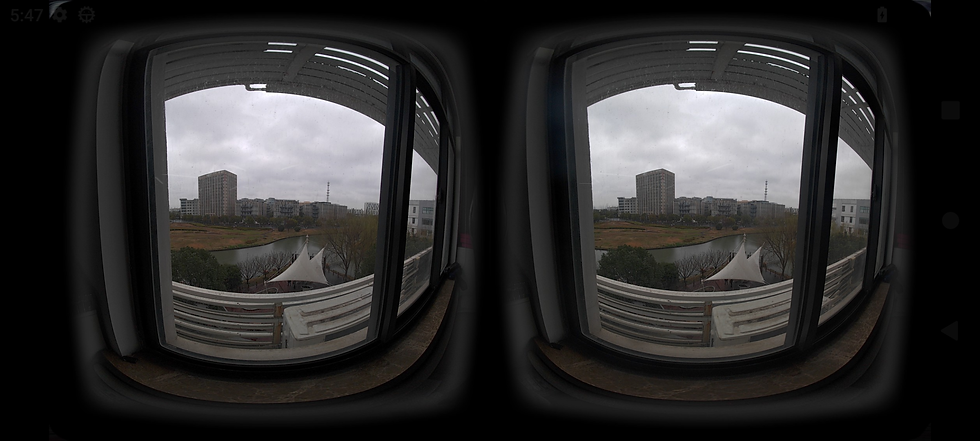
SideBySide (Left & Right Eye View)
Note: Better compatibility, suitable for most 3D display devices. It is recommended to use DEOVR for viewing and select the VR180 3D format in the settings.
By selecting SideBySide, the screen will be split into left and right displays, showing the left-eye and right-eye views separately. It supports viewing on VR headsets.
Steps to Switch Effects
Open the “Slam Camera APP”
Tap to enter the Settings menu
Find “Photo” in the menu
Select the “3D Effect” option
Switch the corresponding mode according to your needs


Comments